Setting up IPTV Smarters Pro on Android TV is simple only if it’s done correctly. Most online guides skip critical steps, which leads to login errors, buffering, or the app not working at all.
This guide is written from real installation experience, not theory. It explains how to download, install, activate, and troubleshoot IPTV Smarters Pro on Android TV using methods that actually work in 2026.
If you follow every step, your setup will work. If you skip steps, it won’t.
About IPTV Smarters Pro
IPTV Smarters Pro is an IPTV player application.
It does not host channels or content.
To use it, you must have an active IPTV subscription. Our service, IPTV Smarters Pro, provides verified server access, stable streams, and technical support to ensure the app functions correctly.
This distinction matters for legality, performance, and user trust.
What You Need Before Installation
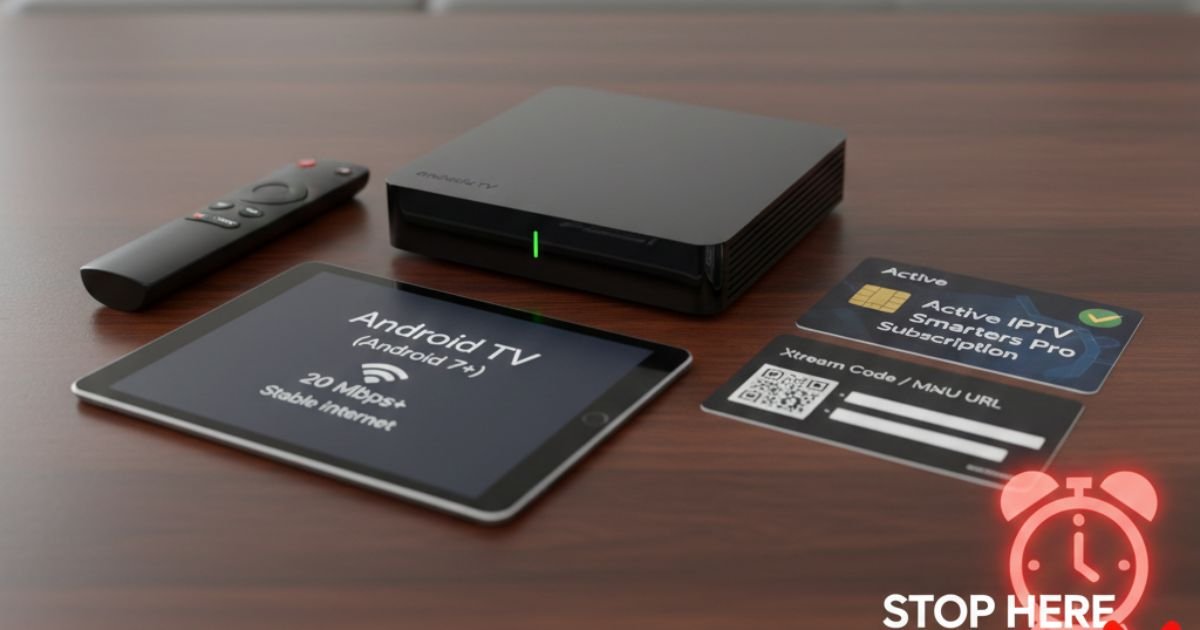
Before starting, confirm the following:
-
Android TV or Android TV Box (Android 7+)
-
Stable internet connection (minimum 20 Mbps)
-
Active IPTV Smarters Pro subscription
-
Login details (Xtream Code or M3U URL)
-
Remote control with Google Play access
If any of these are missing, stop here. The setup will fail.
How to Download IPTV Smarters Pro on Android TV
Option 1: Google Play Store (Best for Beginners)
-
Open Google Play Store on your Android TV
-
Search IPTV Smarters Pro
-
Install the official app
-
Launch the application
If the app is unavailable in your region, use Option 2.
Option 2: APK Installation
This is the method professionals use.
-
Open Settings → Security
-
Enable Install Unknown Apps
-
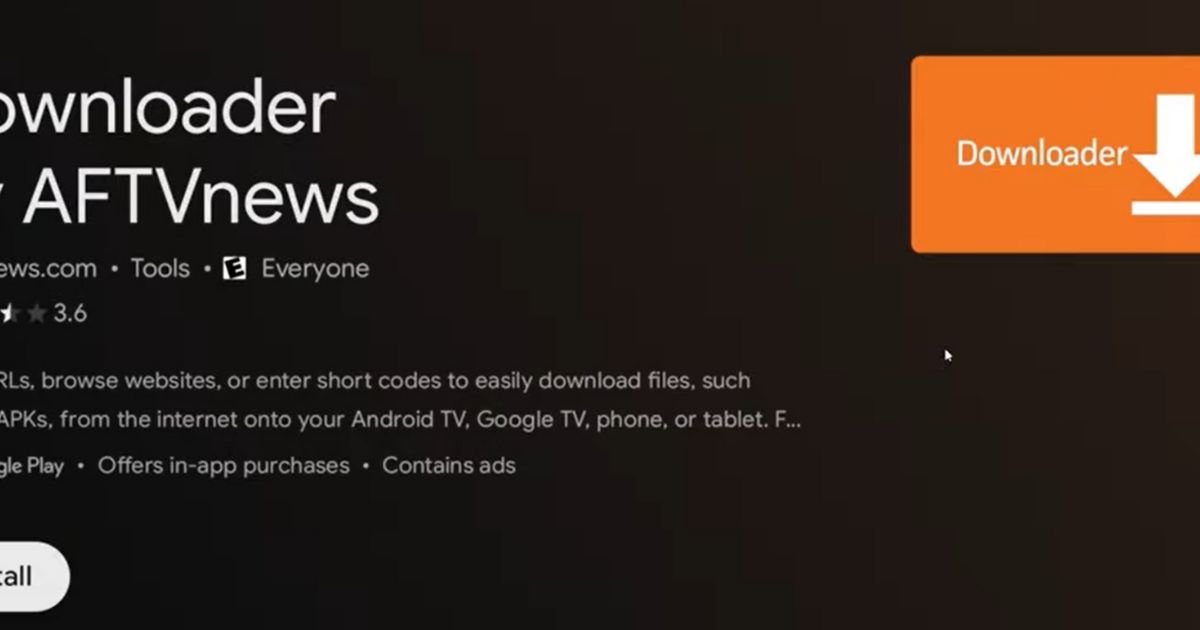
Install Downloader from Play Store
-
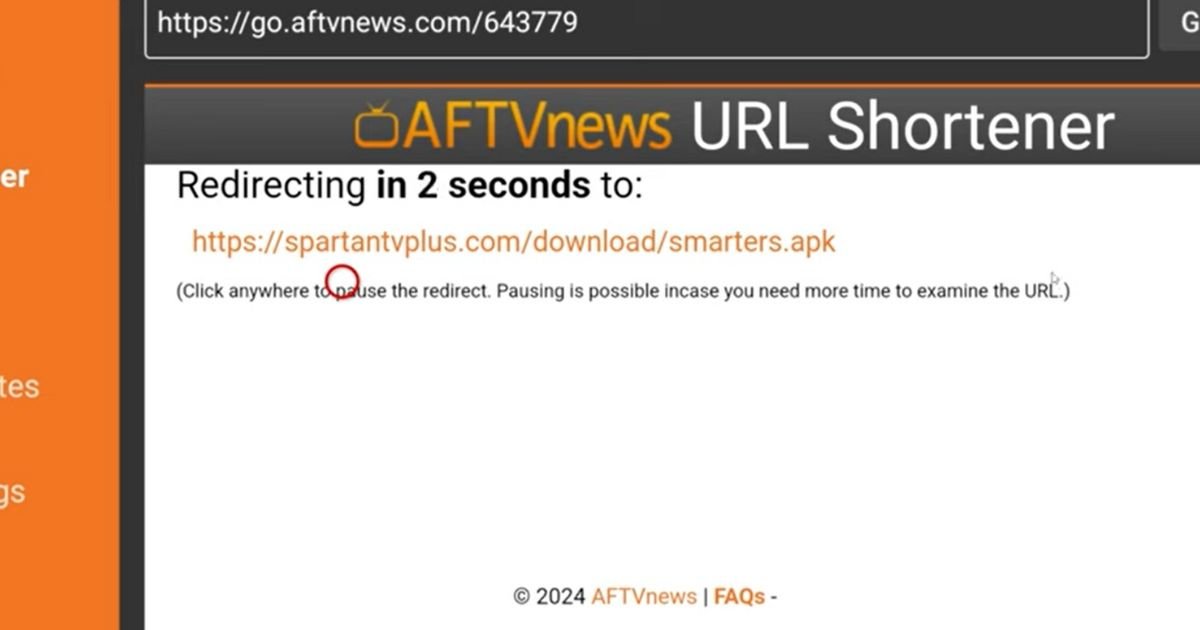
Open Downloader and enter the official IPTV Smarters Pro APK URL
-
Install the app
-
Launch IPTV Smarters Pro
This method avoids regional restrictions and outdated versions.
How to Set Up IPTV Smarters Pro on Android TV
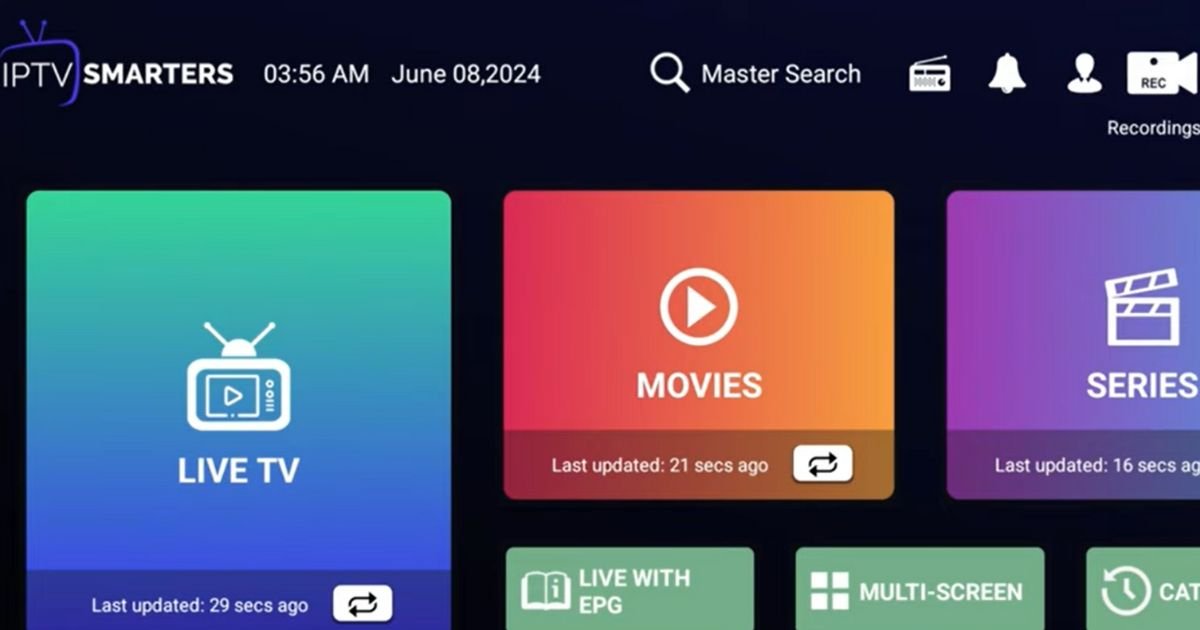
Step 1: Open the App
Accept the terms and privacy policy.
Step 2: Choose Login Method
Select Login with Xtream Codes API
This is more stable than M3U playlists.
Step 3: Enter Xtream Code Details
You will need:
-
Username
-
Password
-
Server URL
These are provided after subscription activation.
Experience note:
Most “IPTV Smarters Pro not working” complaints come from typing errors here.
Step 4: Add User
The app will sync live TV, movies, series, and EPG automatically.
How to Activate IPTV Smarters Pro
There is no manual activation key.
Activation happens automatically once valid credentials are entered.
If content does not load:
-
Restart the app
-
Restart Android TV
-
Confirm your subscription is active
If it still fails, the issue is server or credentials — not the app.
M3U Playlist Setup (Alternative Method)
If your provider gives M3U access:
-
Select Login with Playlist
-
Enter playlist name
-
Paste M3U URL
-
Save and load content
For better performance, convert M3U using an M3U to Xtream Code converter. Xtream Code offers faster loading and better EPG support.
IPTV Smarters Pro Not Working? Real Fixes That Work
App Opens but Shows No Channels
-
Verify Xtream Code
-
Disable VPN temporarily
-
Check internet stability
IPTV Smarters Pro Keeps Buffering
-
Switch to Ethernet connection
-
Lower stream resolution
-
Close background apps
IPTV Smarters Pro Not Working After Update
-
Clear cache
-
Reinstall app
-
Re-enter credentials
IPTV Smarters Pro Cost Explained
The app itself is free.
You only pay for the IPTV Smarters Pro subscription.
Anyone charging for the app alone is misleading you.
IPTV Smarters Firestick Setup
Many users also search for:
-
how to install iptv smarters pro on firestick
-
iptv-smarters on firestick
-
how to download iptv smarter on firestick
Firestick setup uses the same login system, but installation is done via Downloader APK instead of Play Store.
If Firestick setup fails, it’s usually:
-
Outdated APK
-
Wrong Xtream Code
-
ISP throttling
Why Users Choose IPTV Smarters Pro Service
From hands-on experience, users value:
-
Stable servers
-
Fast channel loading
-
Accurate EPG
-
Responsive support
-
Multi-device compatibility
This is not a “free IPTV trick.”
It’s a paid service for users who want reliability.
Need Expert Help? Contact Us
If setup fails or streams buffer, guessing will waste your time.
Our support team assists with:
-
Android TV setup
-
Firestick installation
-
Login errors
-
IPTV Smarters Pro not working issues
👉 Contact Us:
https://iptvsmarterspro-usa.com/contact/
Frequently Asked Questions (FAQs)
How to install IPTV Smarter Pro on Android TV?
Install from Play Store or APK, then log in using Xtream Codes.
How to set up IPTV on Android TV?
Use IPTV Smarters Pro with valid subscription credentials.
How to activate IPTV Smarter Pro?
Activation is automatic after successful login.
How to get IPTV Smarters on Android?
Download via Google Play or install APK using Downloader.